 Loom
Wikispeedia
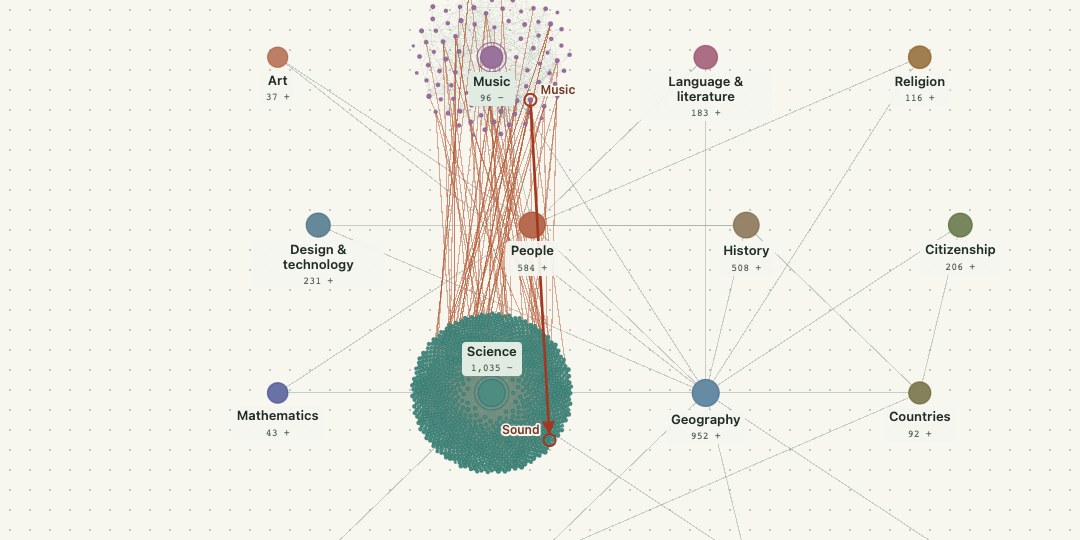
Open a topic in a map of 4,604 Wikipedia articles. The Music article links to Sound in its opening paragraph. Follow the link back to that passage.
Choose a ray to read its Wikipedia passage. Double-click an article to explore its links.Tap an article, then choose Explore to follow its links.
“The observation and study of optical phenomena such as rainbows offers many clues as to the nature of light as well as much enjoyment.”
Edit the JavaScript and watch the threads move. Try changing from 13 to 3.
Open Music in Studio to find Jazz. Query its neighbors in TypeScript, then see how the same tools let an assistant follow links in your own graph.

Open Music in the Wikispeedia atlas. Its 96 articles spread around the topic while Art and Science stay in place. Select Jazz to inspect the article.
Open a topic in a map of 4,604 Wikipedia articles. The Music article links to Sound in its opening paragraph. Follow the link back to that passage.
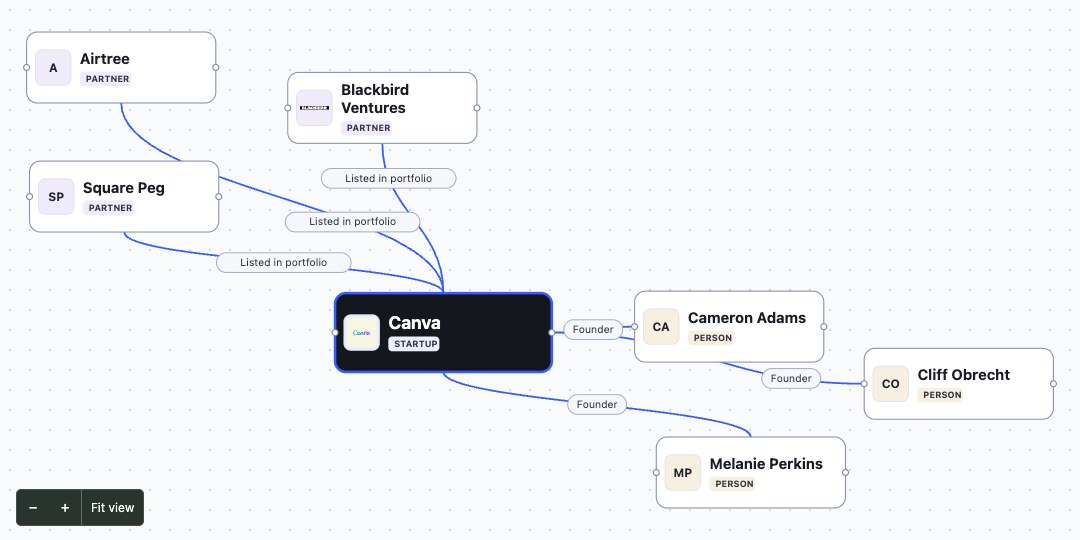
See how founders and investors connect to Canva. Select a card to highlight its relationships and inspect the evidence for each one.
Try the same controls on a small graph. Change its layout, follow a wire or look inside a group.
Layouts and styling
Isolate the seven children of the Optics hub and inspect each one.
Read four notebooks side by side, then change the direction of their lanes.
Orbit the atlas and pull a node across its section boundary.
Trace citations and replications through the Materials notebook by stroke, weight and direction.
Follow the designers, schools and works connected to the Bauhaus.
Trace the links between distant worlds, their moons and the spacecraft that visited them.
Start with an array of nodes and links. Mount the graph on a sized canvas, then choose a layout, handle a selection or connect an AI editing tool.
import { createGraph } from 'loom-core'
import model from './wire-model.json'

const canvas = document.querySelector('canvas')!
createGraph(canvas, { ...model, mode: 'cloud' })